Passport Picture: Photo Maker
iPhone and iPad · Android
Make passport and visa photos at home with your phone
Passport Picture: Photo Maker sizes your photo to the template for your document, cleans up the background and lays out prints. Templates cover more than 100 countries.
About Passport Picture
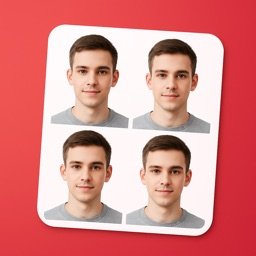
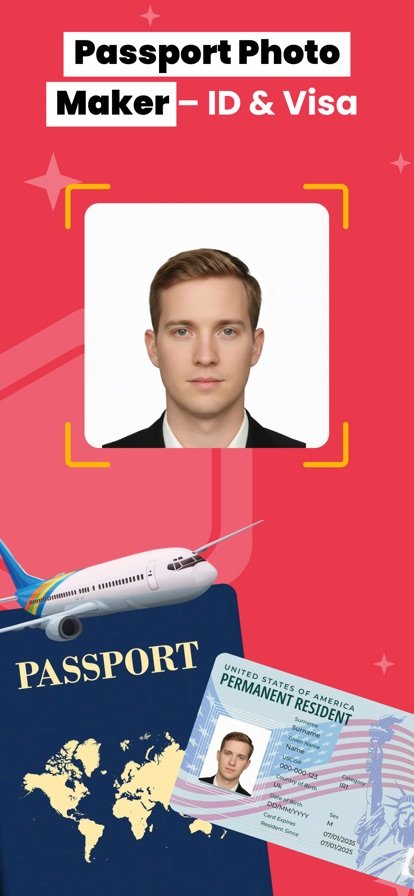
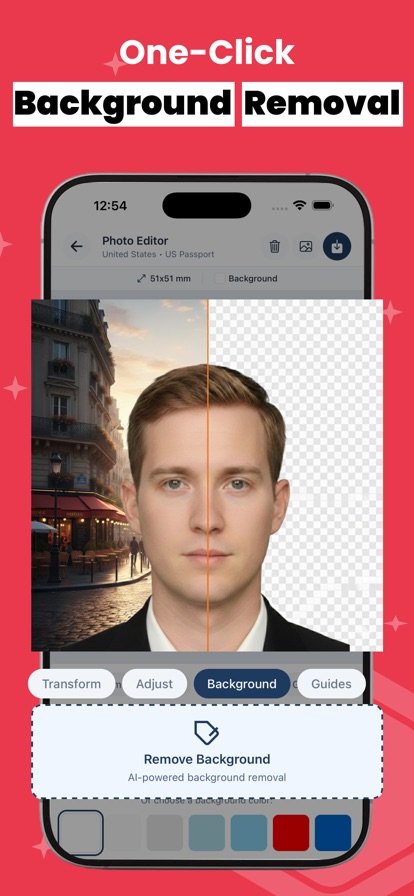
Getting a passport or visa photo usually means a trip to a booth or a pharmacy counter. This app lets you do it from home with your phone. Take a new picture or pick one from your gallery, choose your document, and the app detects your face and positions it for you. Background removal replaces a cluttered wall with a plain background in the color the template calls for.
Templates exist for passports, visas, driver licenses and national ID cards, and each one carries the dimensions and background color for that document. When you are done you can export a print-ready sheet with several copies per page, or use the photo compressor to shrink the file size for an upload while keeping quality. A built-in editor handles brightness and cropping if you want to adjust anything by hand.
Features
Templates for 100+ countries
Pick your country and document type to get the matching photo size and background color.
Automatic face positioning
The app finds your face and places it in the frame for the chosen template.
AI background removal
Swaps your real background for a clean, plain one.
Passport, visa, license and ID
Templates go beyond passports to visa photos, driver licenses and national ID cards.
Print-ready layouts
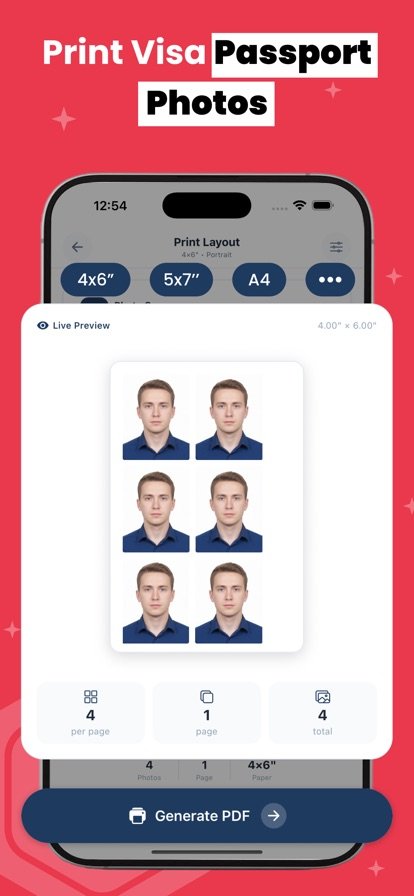
Generate a sheet with multiple photos on one page to print at home or at a photo shop.
Photo compressor
Reduce the file size of your photo while keeping image quality.
Built-in editor
Adjust brightness, crop and fine-tune the picture before you save it.
How it works
- Take a new photo against a wall or choose an existing one from your gallery.
- Select your country and the document you need, such as a passport, visa or ID card.
- Let the app position your face and remove the background, then tweak brightness or cropping if needed.
- Save the single photo or export a print-ready sheet with several copies.
Questions
How do I take a passport photo with my phone?
Stand in front of a wall with even light, take a picture in the app (or import one), and choose your country and document. The app positions your face, removes the background and sizes the photo to the template. Before you submit it, compare the result with your country's official photo rules.
Which countries does it support?
The app includes templates for over 100 countries. Each template includes the photo dimensions and background color for that document.
Can I print passport photos at home?
Yes. The app can generate a print-ready layout with multiple photos on one page, which you can print yourself or take to a photo printing service.
Can I make visa or driver license photos too?
Yes. Besides passports, there are templates for visas, driver licenses and national ID cards.
Will my passport photo be accepted?
The app helps you match the size and background for your document, but acceptance is always decided by the authority that issues it. Check the current official photo requirements for your country, including rules on expression, glasses and lighting, before you apply.
Photo rules differ by country and document, so check the official requirements before applying; whether a photo is accepted is decided by the issuing authority.
Get Passport Picture
Available on iPhone and iPad and Android.