
Layout for Instagram: IG Grid
iPhone and iPad · Android
Plan your Instagram grid and make photo collages on your phone
Layout lets you see how new posts will sit on your profile before you share them, then build collages, split panoramas and write captions in the same app.
About Layout for Instagram
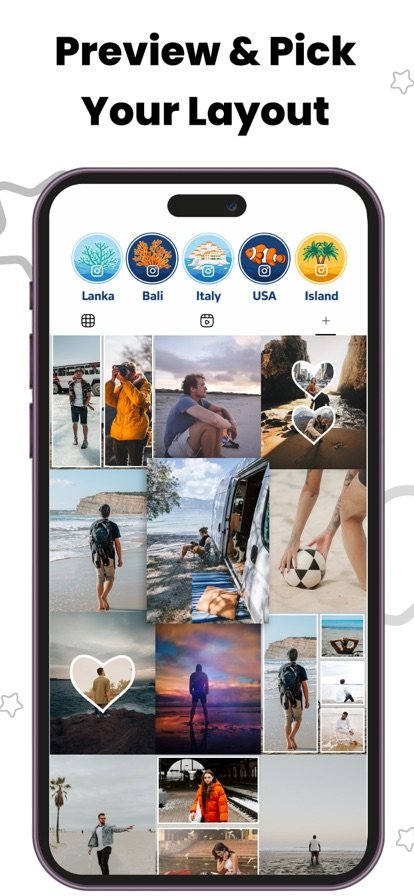
Most people only notice a clashing post after it is already live on their profile. Layout gives you a preview of your grid first, so you can drag posts into a different order, swap a photo out and settle on the look you want. There is no need to delete and repost just to fix how the feed lines up, because the planning happens before anything is published.
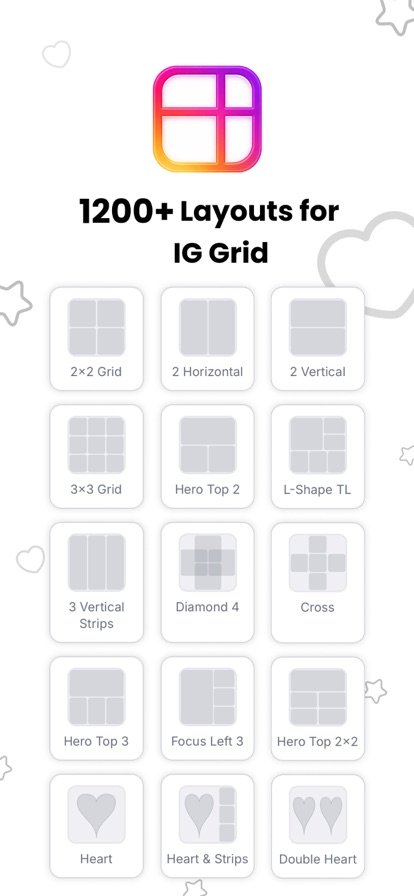
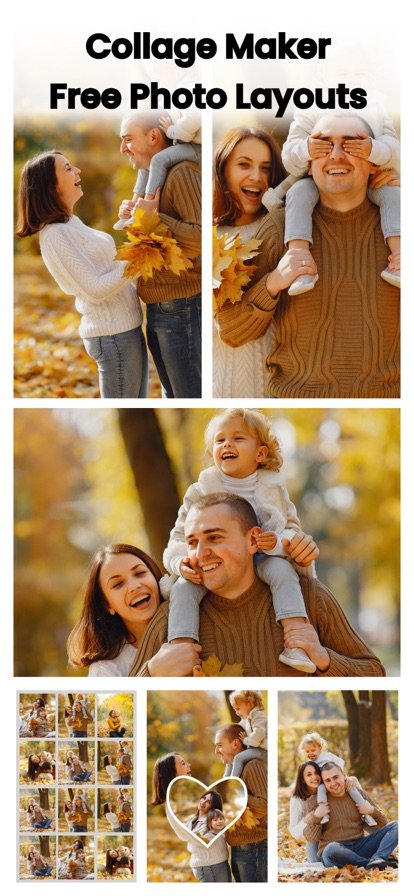
Beyond planning, the app covers the everyday jobs of putting a post together. You can pick from more than 1,200 collage and grid templates, adjust photos with filters and sliders, split one wide image into a multi-post grid, and draft captions with an AI writer that matches the tone you choose. A content calendar and saved hashtag groups help you keep track of what goes out and when.
Features
Grid preview
See your profile grid with upcoming posts in place, then drag to rearrange until the feed looks right.
1,200+ collage templates
Choose grids, strips, mosaics, magazine layouts, heart shapes and freestyle collages. Adjust borders, corner radius, spacing and backgrounds.
Grid splitter
Cut one photo into 3, 6 or 9 tiles for a panoramic grid or carousel, and save each tile to your gallery.
Built-in photo editor
Apply filters and change brightness, contrast, saturation and warmth across the whole collage or one cell at a time.
AI captions and hashtags
Generate captions in a casual, professional, witty or inspirational tone, and build hashtag sets to go with them.
Content calendar
Plan your posting schedule, keep hashtag groups organized and set reminders for when to publish.
Full-resolution export
Collages export at 1080px so they are ready to share to Instagram or any other app.
How it works
- Add the photos you plan to post and see them laid out in your profile grid.
- Drag posts around, or turn a set of photos into a collage or split grid.
- Edit the images, write a caption and pick your hashtags.
- Export the finished post and share it when your reminder comes up.
Questions
How do I preview my Instagram grid before posting?
Open Layout and add the photos you are thinking of posting. The app shows them in a grid like your profile, and you can drag them into a different order until you are happy. Nothing is posted until you choose to share it.
How do I split a photo into a 3x3 grid for Instagram?
Use the grid splitter. Pick a photo, choose 3, 6 or 9 tiles, crop it the way you want, and save each tile to your gallery. Post the tiles in order and they join up into one wide image on your profile.
Can I make a collage with videos?
On Android, Layout lets you mix photos and videos in a single collage. The iPhone version focuses on photo collages.
What size are exported collages?
Collages export at full 1080px resolution, which is ready to share to Instagram or any other app.
Does Layout write captions for me?
Yes. The AI caption writer drafts captions in the tone you pick, such as casual, professional, witty or inspirational. You can edit the text before you use it.
Get Layout for Instagram
Available on iPhone and iPad and Android.