
Complete Anatomy Learning 3D
iPhone and iPad · Android
Learn human anatomy with interactive 3D models
Rotate, zoom and isolate muscles, bones, organs and nerves, read what each part does, and place life-size models in your room with augmented reality.
About Complete Anatomy Learning 3D
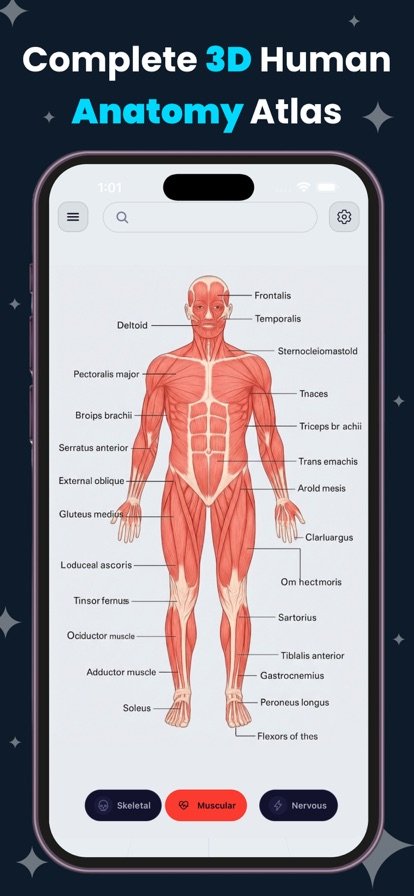
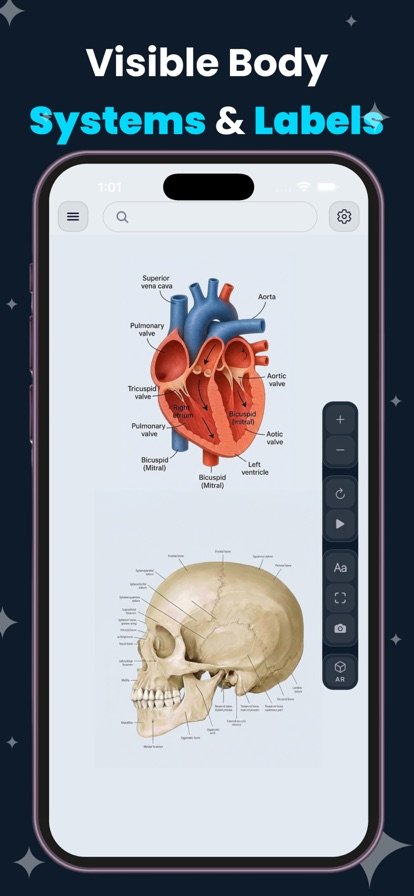
Diagrams in a textbook show one angle. Complete Anatomy Learning 3D lets you turn a structure around, zoom in close and switch off the layers in the way. You can move between body systems, isolate a single part and tap it for a labeled annotation. Each structure comes with a description, its key functions, related parts and a few interesting facts, so exploring and studying happen at the same time.
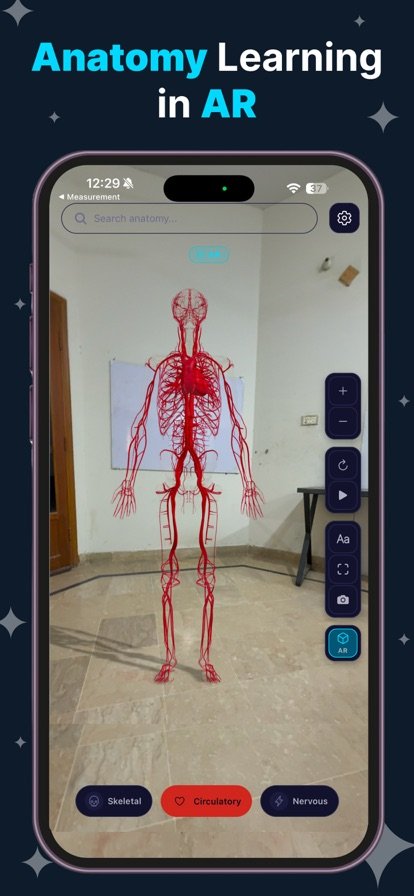
The AR mode places life-size models in your real surroundings. You can set a beating heart on your desk and walk around it, or stand next to the skeletal system in your room. When you find a view worth keeping, take a screenshot for your study notes. Background themes and transparency controls help you see exactly the layer you need.
Features
Interactive 3D models
Rotate, zoom and examine structures from any angle with smooth, high-detail models.
Seven body systems
Explore the skeletal, muscular, circulatory, nervous, respiratory and digestive systems, plus organs.
Isolate and label
Toggle systems, isolate individual parts and tap for labels and annotations.
Augmented reality
Place life-size anatomy models in your space and walk around them.
Learn as you explore
Every structure includes a description, key functions, related parts and fun facts.
Study-friendly tools
Adjust background themes and transparency, and save screenshots for your notes.
How it works
- Choose a body system, such as skeletal or circulatory.
- Rotate, zoom and isolate the structure you want to study.
- Tap any part to read its description, functions and related structures.
- Switch to AR to view the model life-size, or save a screenshot for your notes.
Questions
Which body systems are included?
The app covers the skeletal, muscular, circulatory, nervous, respiratory and digestive systems, along with the organs.
How do I view anatomy models in AR?
Switch to AR mode and point your camera at a flat surface. The app places a life-size model in your space so you can walk around it and look from different sides.
Is this app good for studying for anatomy exams?
It is built as a visual study reference. Each structure has labels, descriptions and key functions, and you can save screenshots to add to your notes. Use it alongside your course materials.
Can I use it for medical advice?
No. The app is an educational tool for learning anatomy. For questions about your own health, talk to a doctor or other qualified professional.
Complete Anatomy Learning 3D is an educational study tool and does not provide medical advice, diagnosis or treatment.
Get Complete Anatomy Learning 3D
Available on iPhone and iPad and Android.