Universal TV Remote Watch App
iPhone and Apple Watch
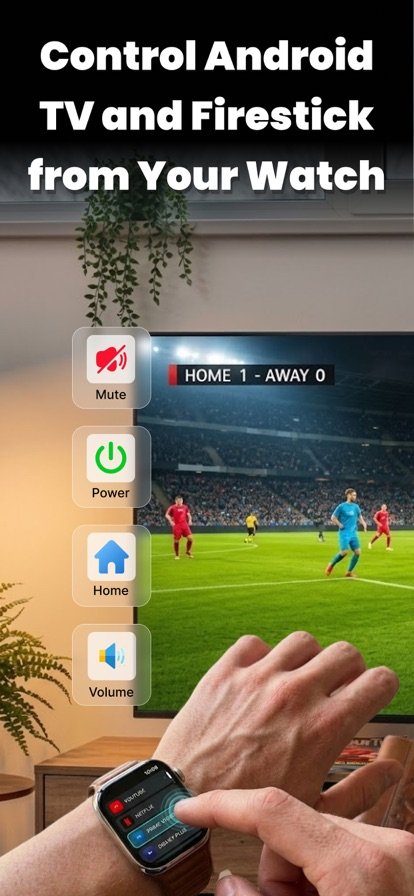
Control Android TV and Firestick from your Apple Watch
Universal TV Remote Watch App turns your Apple Watch into a remote for Android TV and Fire TV devices on your Wi-Fi network.
About Universal TV Remote Watch
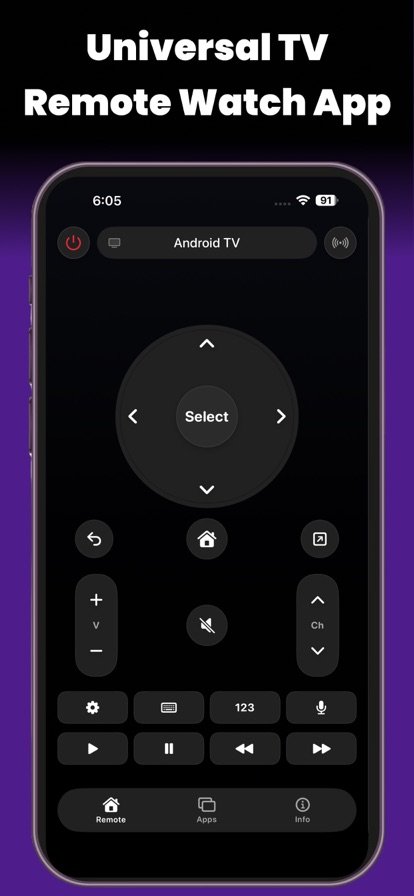
The remote has gone missing in the sofa again, or your phone is on the charger in another room. With this app, the controls are on your wrist. Connect your Apple Watch to an Android TV or Fire TV device on the same Wi-Fi network and you can move through menus, select a show, change the volume, play or pause, and switch between apps.
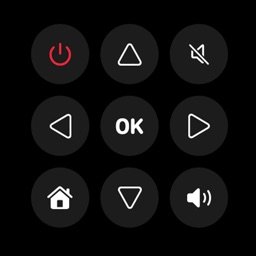
The layout is built for a small screen, with large buttons and the most common actions close at hand. It works with many Android TV and Fire TV based devices, including smart TVs from popular brands that run those systems. If your TV does not show up in the list straight away, you can connect manually. It is handy at home and when you are traveling with a Firestick.
Features
Android TV and Fire TV support
Works with many Android TV and Fire TV based devices, including Firestick.
Wi-Fi connection
Pair with a TV on the same Wi-Fi network, with no extra hardware.
Core remote controls
Navigate menus, select content, adjust volume, play or pause, and switch apps.
Made for the watch screen
Large, easy-to-find buttons with frequent actions kept within one tap.
Manual connection
If a device does not appear automatically, you can add it manually.
How it works
- Make sure your Apple Watch and your TV or Firestick are on the same Wi-Fi network.
- Open the app on your watch and pick your TV from the list, or connect manually.
- Use the on-screen buttons to navigate, change volume and control playback.
Questions
Can I control my TV with my Apple Watch?
Yes, if your TV runs Android TV or Fire TV, or you use a Fire TV device such as a Firestick. Connect the watch and TV to the same Wi-Fi network, pick the TV in the app, and use the watch as a remote.
Does it work with Firestick?
Yes. The app is designed to control Fire TV based devices, including Firestick, as well as Android TV devices.
Does it work with Roku, Samsung or LG TVs?
The app is built for Android TV and Fire TV based devices. Roku, Samsung Tizen and LG webOS are not listed as supported, so a smart TV from one of those brands will only work if it runs Android TV or Fire TV.
What if my TV does not show up?
First check that the watch and the TV are on the same Wi-Fi network. If the TV still does not appear, use the manual connection option to set it up.
Get Universal TV Remote Watch
Available on iPhone and Apple Watch.